
Easy Video Editor & Maker

Create viral Reels and TikTok videos effortlessly with Edit Up. Open this video template to auto-sync your photos and clips with beat-matched music, cinematic transitions, and 4K export.

๐ŸŽต Auto Beat-Sync Audio โšก 10 Auto Cuts ๐Ÿ“ฑ 9:16 Reels & TikTok โœจ 4K 60FPS Export
Use Template in Edit Up
Don't have Edit Up installed? Download free on the Apple App Store for iPhone & iPad.
Download on the App Store
Easy Video Editor & Maker Preview
9:16 Video Reel โฑ 0:00 / 0:15s
๐ŸŽต Viral Beat-Sync (128 BPM)

Easy Video Editor & Maker

Auto-synced transitions, viral beat drops & 4K export.

Timeline Clips (Tap to scrub):
Clip 1 (0.8s)
Clip 2 (0.5s)
Clip 3 (1.2s)
Clip 4 (0.6s)
Clip 5 (0.9s)
Clip 6 (1.0s)
Scan with iPhone Camera Instantly opens Edit Up to load this template on your iPhone or iPad.

Powerful Video Editor & Music Gallery

Create viral Reels, TikToks, and Stories with Edit Up's comprehensive video editing suite. Beyond one-tap templates, take complete creative control with professional editing tools, trending music, and cinema-grade color presets.

  • โœ“
    Redesigned Music Gallery: Access an extensive library of trending background tracks, beats, and rhythmic sounds to bring your videos to life.
  • โœ“
    Improved Replace Feature: Seamlessly swap video clips on your timeline while preserving all your applied filters, speed adjustments, and effects.
  • โœ“
    Precision Cropping & No-Crop: Frame vertical 9:16 for Reels & Stories, 1:1 for Instagram feed, or 16:9 for YouTube with precision placement and zero awkward borders.
  • โœ“
    Cinema Color Grading & Filters: Fine-tune exposure, contrast, and saturation, and apply professional presets for dramatic visual impact.
  • โœ“
    Text Effects, Creator Fonts & Doodles: Personalize your videos with stylish fonts, animated doodles, stickers, and hundreds of high-quality overlays.
  • โœ“
    4K 60FPS Lossless Export: Export your finished video in crisp ultra-high definition with optimized bitrates and zero watermarks, ready to post immediately.
Get Edit Up on the App Store
Edit Up Video Editor Timeline and Music Gallery
Redesigned Music Gallery Preserves applied effects on clip replace

Smart AI Tools Built Into Edit Up

Edit Up combines powerful video editing with cutting-edge artificial intelligence to elevate your entire content creation workflow.

โšก

1-Tap HD Photo & Video Enhancer

Turn old, blurry, grainy, pixelated, or low-resolution footage into crystal clear HD in just one tap. Repair, restore, and colorize with ease.

โœ‚๏ธ

Background Cutout Studio & Shadows

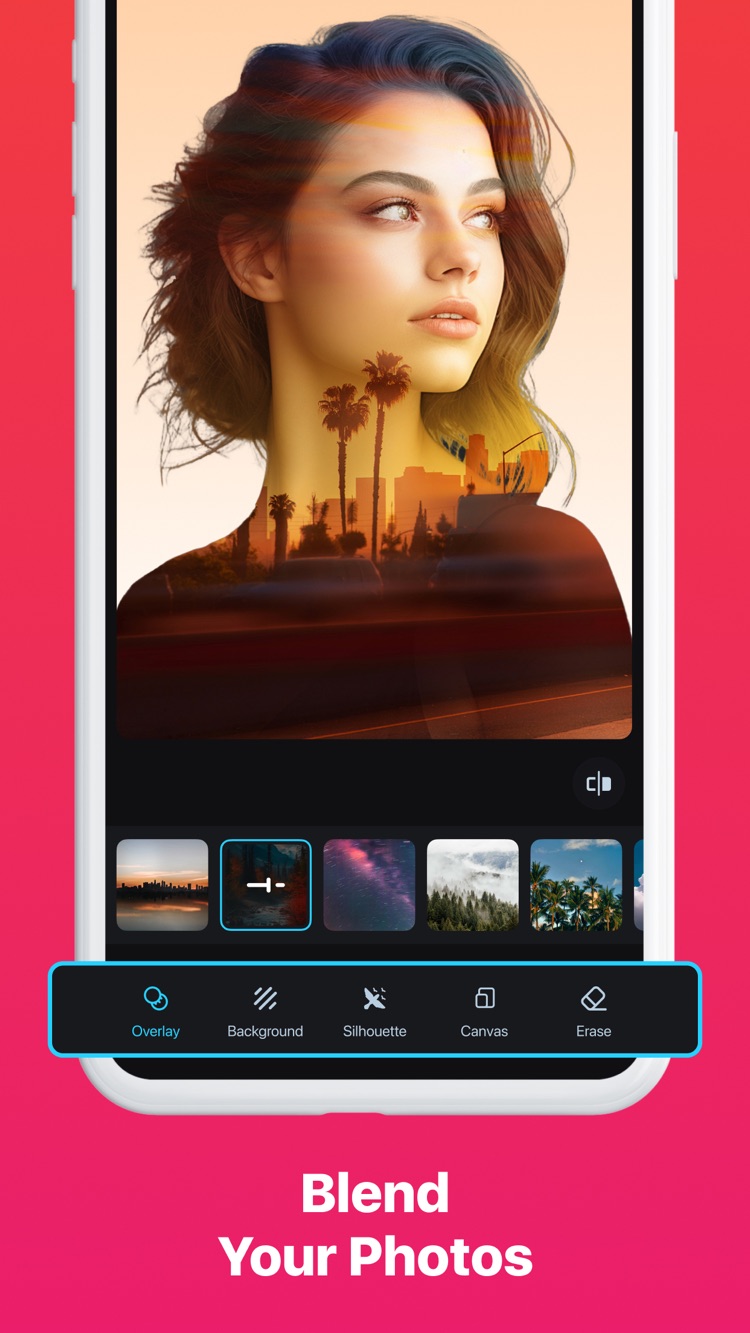
One-tap background removal for polished, professional images. Add realistic 3D shadows with adjustable color, blur, and stylish glowing outlines.

๐Ÿช„

Magic Expand (AI Outpainting)

Expand your images and video thumbnails to fit any aspect ratio without cropping, while maintaining natural quality and compositional balance.

๐Ÿงน

Object & Watermark Removal

AI-powered detection automatically identifies people, photobombers, and watermarks for effortless, trace-free erasing.

๐Ÿ–ผ๏ธ

Photo Collage & Aesthetics

Create beautiful collages in seconds with ready-to-use layouts, grids, stickers, and scrapbook templates for captivating Instagram stories.

๐ŸŽจ

AI Art & Graphic Generator

Generate custom AI logos, stickers, avatars, tattoos, and generative artwork directly from text prompts with 250 bonus monthly credits.

How to Use This Template in Edit Up

Three effortless steps to transform your raw photos and video clips into a viral, beat-synced masterpiece.

1

Tap "Use Template"

Tap the button on your iPhone or scan the QR code from your computer screen. Edit Up will immediately open and load this template.

2

Select Your Media

Choose your favorite photos and video clips from your camera roll. Edit Up automatically trims and syncs them to the audio beat.

3

Customize & Export

Fine-tune with Edit Up's video filters, creator text effects, or background audio, then export in crystal-clear 4K directly to social media.